GUIDE 05
Make the screen easy on your eyes.
Text, colour, and how much shows on Today. Change only what bothers you.
Start here
Gear icon → Display and controls
Open Display and controls
Tap the gear in the top right of any screen, then Display and controls.
Pick the appearance
Under Colours and text, choose Appearance. Light gives you a white screen.
Show less on Today
Under Today display, turn off Show the task list on Today. Your tasks are still in the Tasks tab.
A little more, only if you need it.
If you want larger text
Text size follows your iPhone’s Display & Brightness and Accessibility settings. There is no separate size slider in the app.
In the app
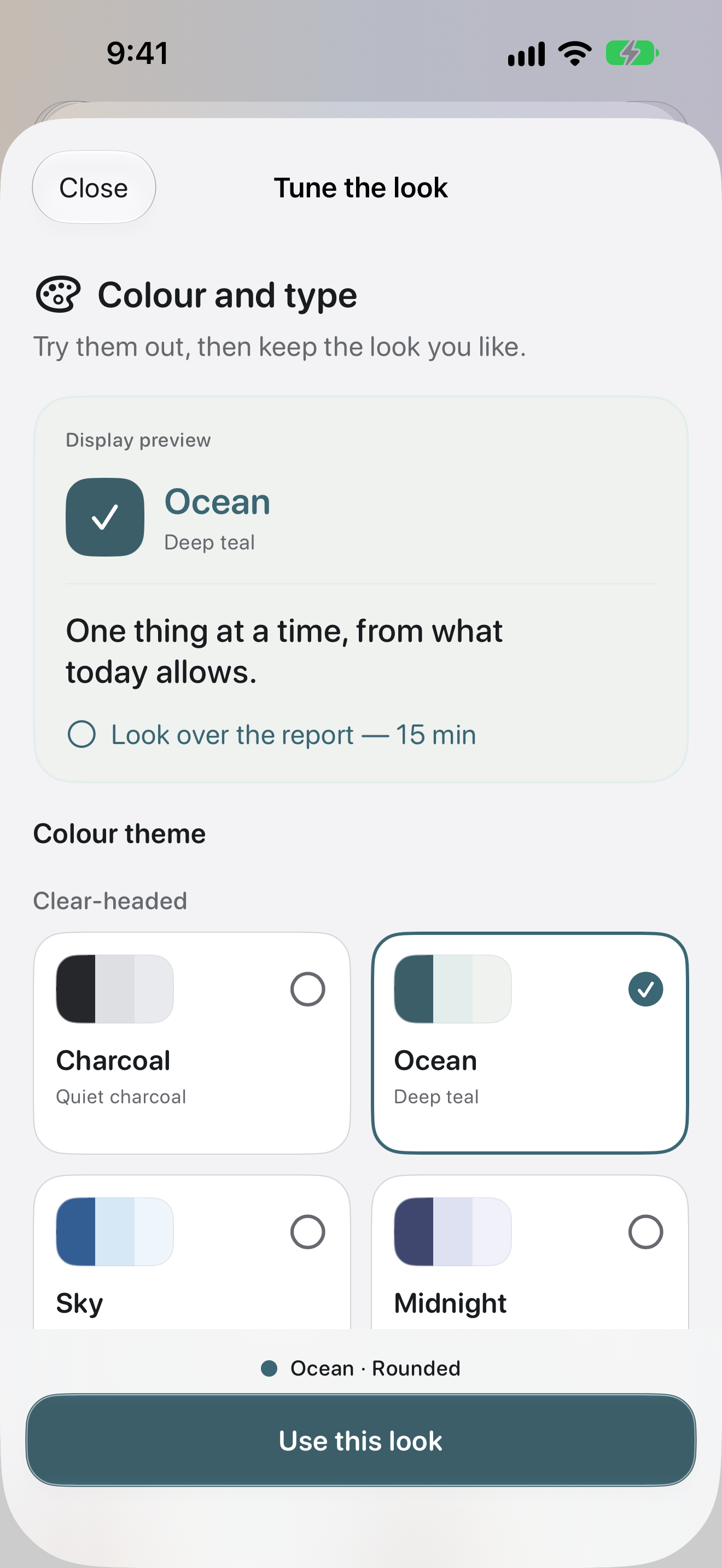
It does not have to match anyone else’s. What you can read comfortably is the right setting.
If this did not solve it, get in touch.