
GUIDE 01
Put one thing down.
Get it out of your head before it slips away. A name on its own is enough.
Start here
Today → Add
Tap Add
Open Today from the tab bar and tap Add in the top right.
Name the task
Write one thing, like “clear one shelf”. Leave the day set to Later, and leave the time and duration blank.
Tap Add to keep it
It lands in Later. You can set a date or a time whenever you want to.
A little more, only if you need it.
If it is for today
Set the day to Today on the same screen. Choosing Date lets you pick any other day.
If the task feels too big
Try “write the headings” instead of “finish the document” — something small enough to actually start.
In the app
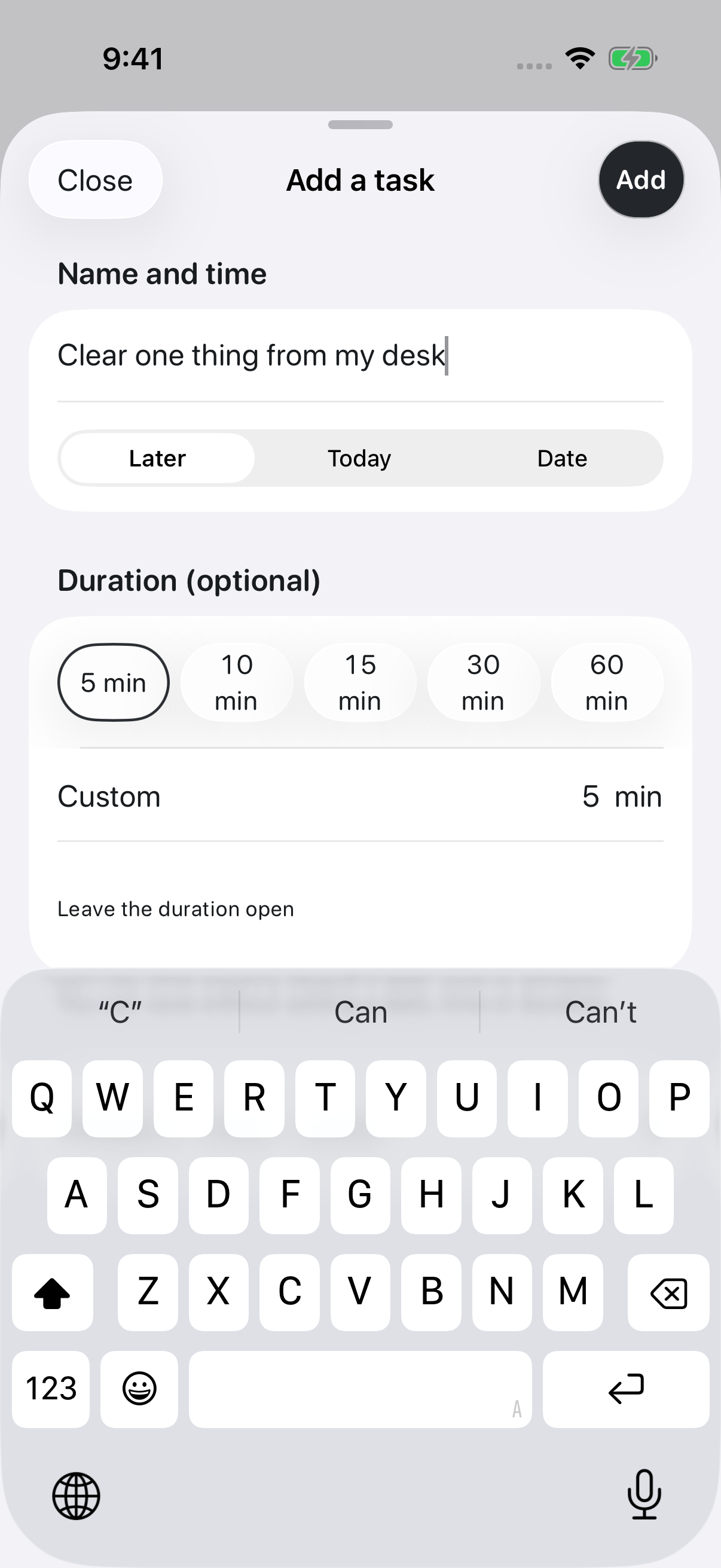
You do not have to work out the details up front. Getting one thing out of your head is the whole step.
If this did not solve it, get in touch.